Case study · EdTech

ELAP: ENIM Learning and Assessment Platform

A learning and assessment platform that trains UNICEF and partner staff in the Rohingya camps to use ENIM, the nutrition information system: short video lessons recorded on the real system, timed assessments and a leaderboard, with an admin view of every learner's progress.

Client
UNICEF and nutrition partners, Cox's Bazar
Industry
EdTech
Status
Live
Delivered by
B2B Solver Limited
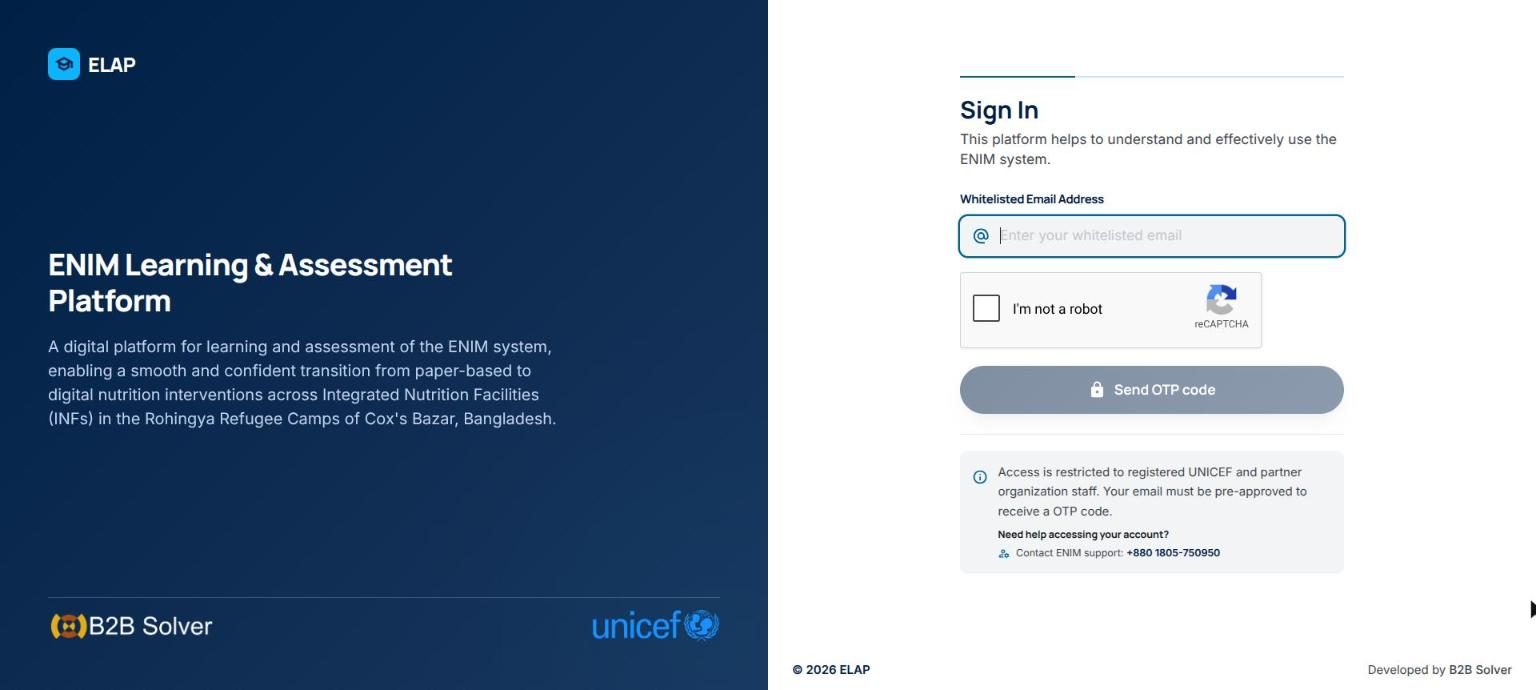
ELAP sign-in page for approved UNICEF and partner staff
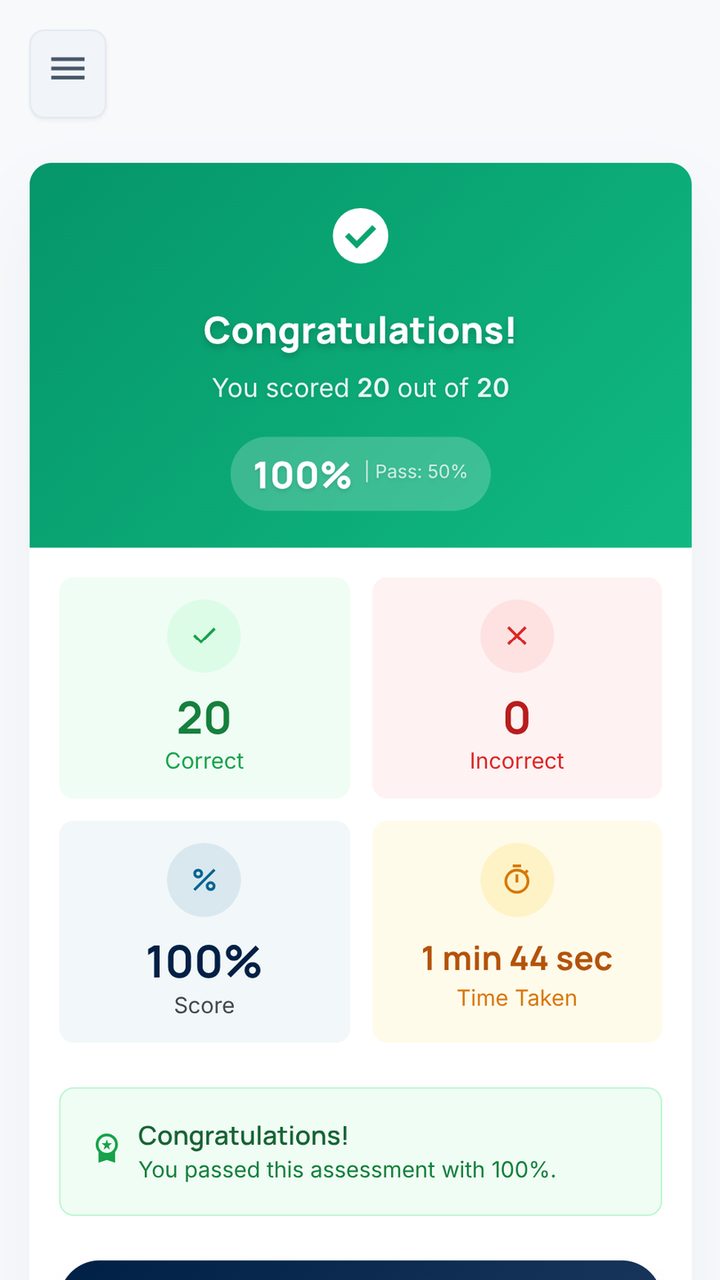
ELAP assessment result on a phone: 20 out of 20
  1. 01

    The challenge

    ENIM replaced 105 paper registers with one digital record for more than 935,000 people in the Rohingya camps. The change only works if the nurses, counsellors, store keepers and supervisors at each Integrated Nutrition Facility can use the system with confidence. Staff work for many partner organisations across 33 camps, classroom training could not reach them all, and managers had no way to know who was ready.

  2. 02

    Our solution

    ELAP, a learning and assessment platform built around ENIM's own modules. Access is limited to approved UNICEF and partner staff, who sign in with a one-time code sent to their email. Each of six courses pairs short videos, recorded on the real ENIM screens, with written notes and a timed 20-question assessment; staff can retake it and their best score counts. A practice copy of ENIM is linked from the dashboard so they can try what they learn. A leaderboard ranks learners by topic, and the admin panel shows registrations, videos watched, attempts, pass rates and completions, with full reports.

  3. 03

    The outcome

    Facility teams learn and are assessed on the system they use every day, at their own pace and on their own phones. Managers can see who has completed which course before a facility moves fully to ENIM, and the ENIM team updates courses and assessments without a developer.

The curriculum

Six courses, one for each role in ENIM.

Every course follows the same path: short videos, written notes, a timed assessment and a role-based certificate.

  1. ELAP-101

    ENIM system architecture and platform fundamentals

    The ENIM tablet app, hardware set-up and installation, beneficiary IDs and transferring mothers with their children.

    3 videos
  2. ELAP-102

    Anthropometric assessment and nutrition screening

    Registering mothers and children, disability assessment, and measuring mid-upper arm circumference, weight and height for wasting, stunting and underweight.

    4 videos
  3. ELAP-103

    Outpatient therapeutic programme and clinical practice

    The service guide for nurses: admission, follow-up, discharge and distribution.

    2 videos
  4. ELAP-104

    Pregnant and breastfeeding women service module

    The infant and young child feeding counsellor's workflow: pregnancy history, screening, assessments and group sessions.

    5 videos
  5. ELAP-105

    Store management and inventory control

    How store keepers record supplies in and out, daily returns and requisitions.

    3 videos
  6. ELAP-106

    ENIM fundamentals for facility supervisors

    System management, the ENIM desktop application and the web portal.

    1 video

What it does

  • Sign-in with a one-time email code, limited to approved UNICEF and partner staff
  • Six courses, one for each ENIM role, with 18 short video lessons
  • Timed assessments: 20 questions, 10 minutes, 50% to pass, unlimited retakes
  • Instant result with score, correct answers and time taken
  • Practice access to a test copy of ENIM, linked from the dashboard
  • Leaderboard by topic, and role-based certificates
  • Admin dashboard for registrations, videos watched, attempts, pass rates and completions
  • Reports on assessment attempts, certificates, video watch logs and logins

Built with

  • PHP
  • Laravel
  • Tailwind CSS
  • Cloudflare

Alongside the classroom

Online courses, backed by hands-on training.

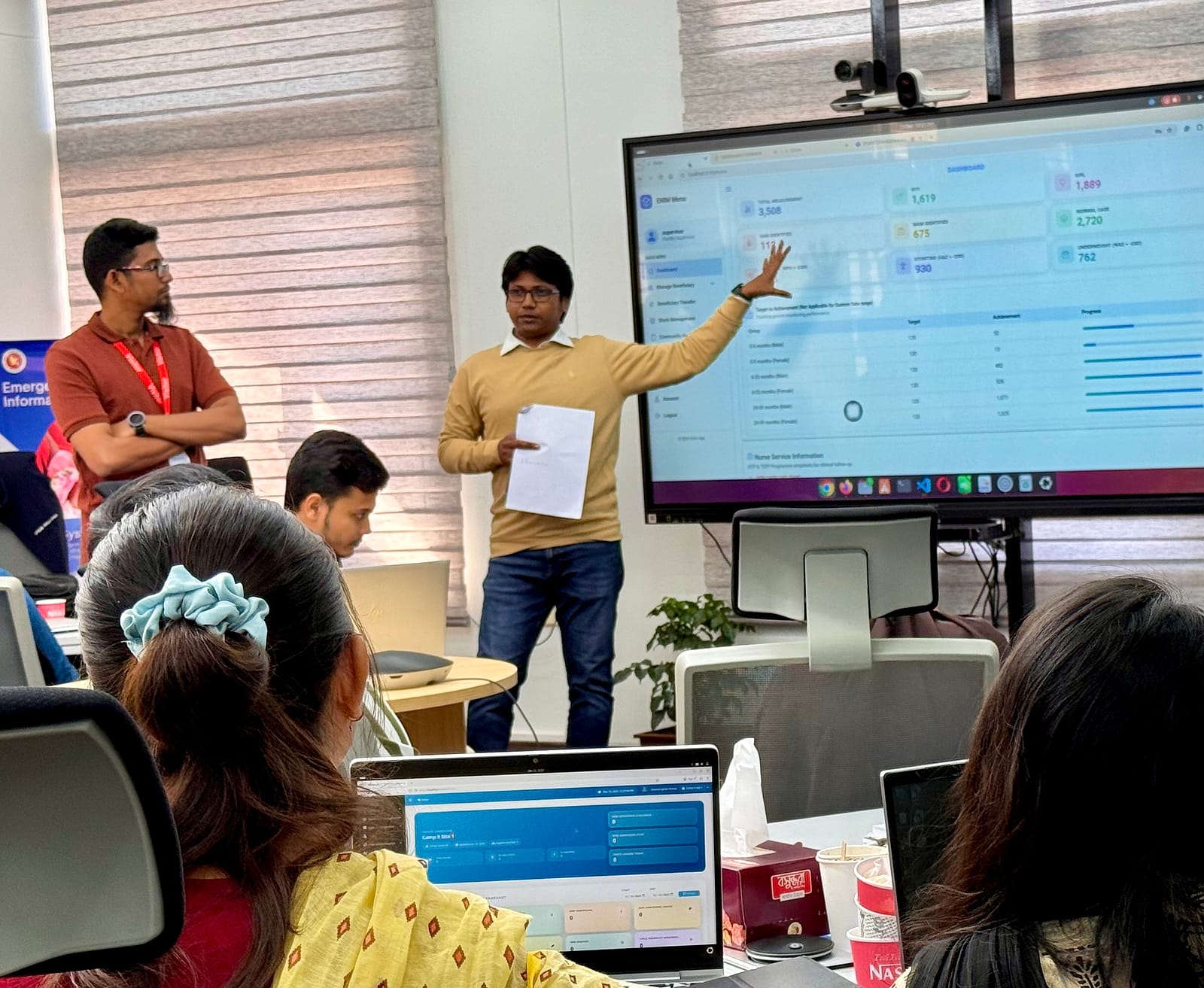
ELAP reaches staff across 33 camps between patients. Classroom sessions in Cox's Bazar give supervisors time on the live ENIM system with our trainers.

Participants follow along on their own laptops while a B2B Solver trainer points to the ENIM dashboard on a large screen
Hands-on ENIM training, with each participant working in the system on a laptop. Cox's Bazar.

Inside the product

How ELAP works, screen by screen.

Screens from the live platform. Learner names and contact details are blurred.

01Sign-in

No passwords, only approved staff.

Staff enter the email address their organisation registered. ELAP sends a six-digit code that expires in ten minutes, and anyone not on the approved list cannot sign in.

  • Approved UNICEF and partner email addresses only
  • Six-digit code by email, valid for 10 minutes
  • Bot protection on every sign-in

02Video lessons

Short videos, recorded on the real system.

Each course is split into short videos for one ENIM task, such as registering a mother or measuring a child. ELAP marks each video as watched, and written notes summarise the rules to remember.

  • 18 videos across six courses
  • Watched status for every video
  • Course notes beside the video, then the assessment

03Assessment and ranking

Twenty questions, ten minutes, instant result.

Every course ends with a timed assessment. Staff see their score and the time taken straight away and can retake it; the best attempt counts. A leaderboard ranks learners by topic, which turns training into a friendly competition between facilities.

  • 20 questions, 10 minutes, 50% to pass
  • Attempt history with the best score marked
  • Leaderboard filtered by topic

04For the ENIM team

Courses, assessments and readiness, managed in-house.

The ENIM team adds and orders courses, links each one to its assessment and sets the time limit and pass mark. A dashboard shows registrations, videos watched, attempts, pass rates and completions, and reports open the detail behind every number.

  • Courses with thumbnail, order, description and linked assessment
  • Approved staff by role, with bulk upload and export
  • Reports on attempts, certificates, video watch logs and logins

05On the phone

Learn between patients.

Staff often learn on their phones during quiet moments at the facility. Every step, from sign-in to the leaderboard, works on a small screen.

  • 01Sign in with your work email

  • 02A one-time code, not a password

  • 03Progress and practice access

  • 04Short video lessons, tracked

  • 05Timed assessment, unlimited retakes

  • 06Instant score and time taken

  • 07Rank by topic

More case studies

Other systems we have delivered.

All case studies →
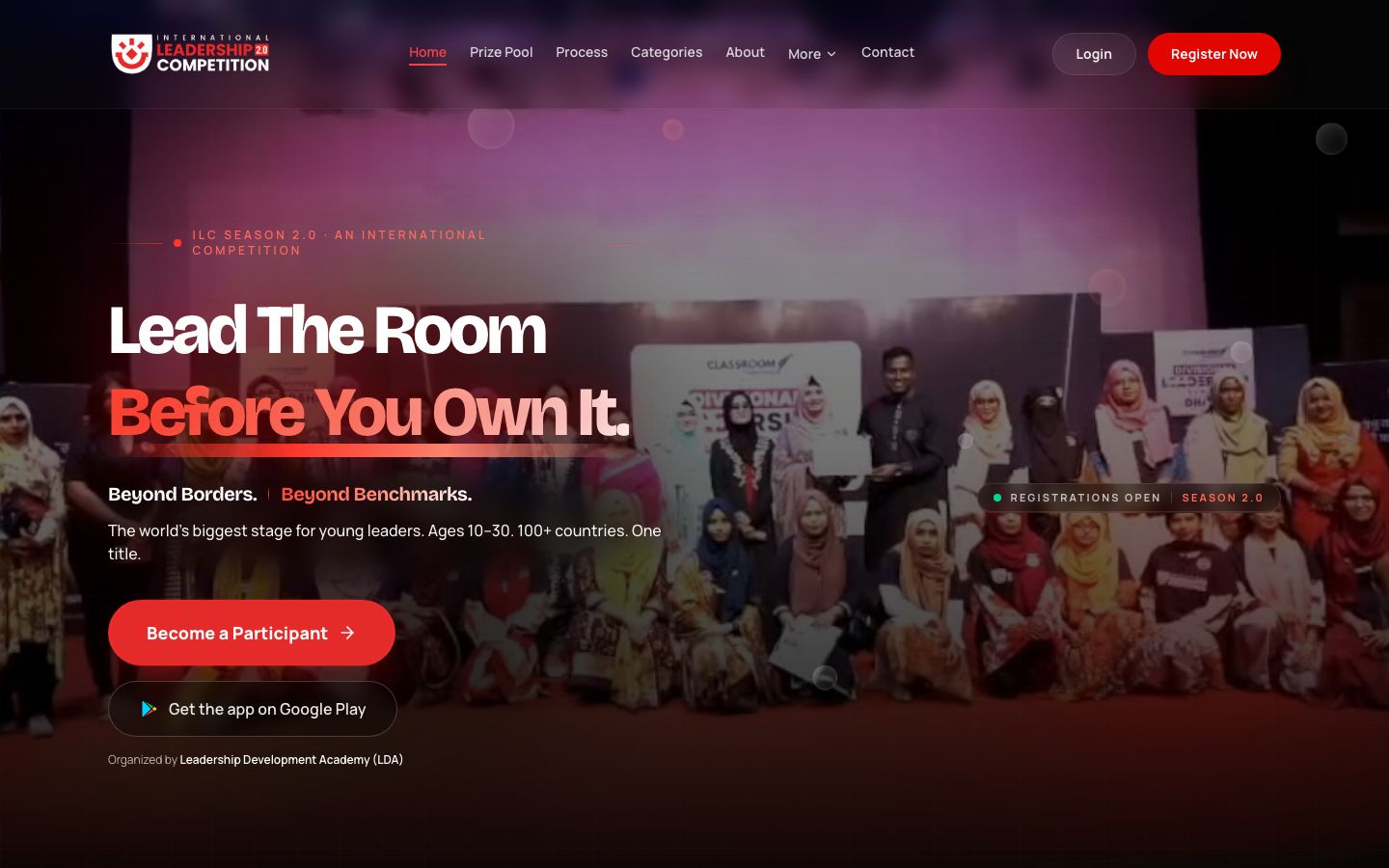
  • Screenshot of ILC
    EdTechLive

    ILC

    Leadership Development Academy (LDA)

    The website, Android app and admin panel for the International Leadership Competition: registration and payment, video lessons, timed model tests, three competition rounds, and referral tools for volunteers and campus associates.

    Read the case study: ILC →
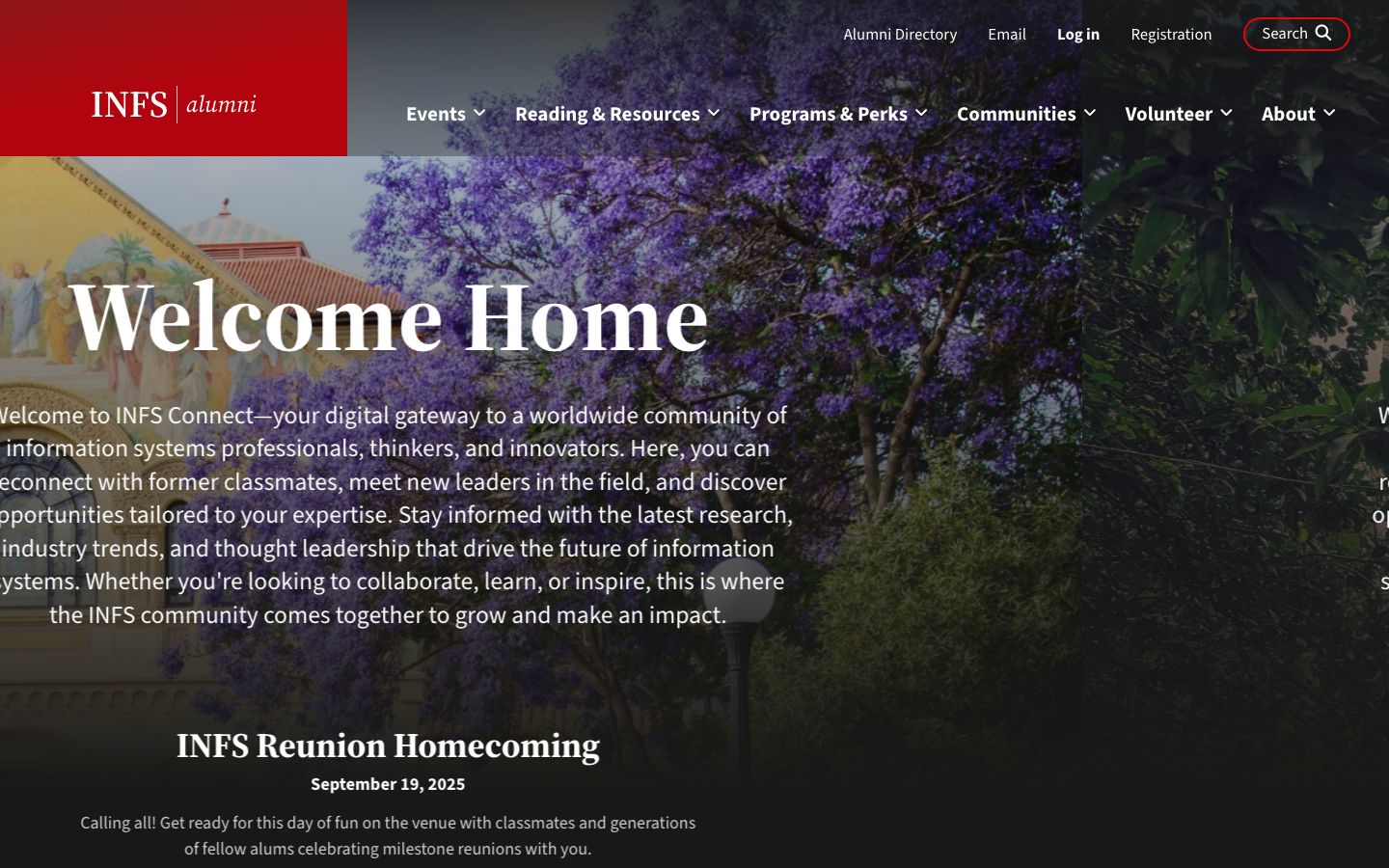
  • Screenshot of INFS Alumni
    EdTechLive

    INFS Alumni

    INFS Alumni Association, University of Dhaka

    A community platform for graduates of the Institute of Nutrition and Food Science, University of Dhaka: one INFSAA Pass for alumni, students and friends, six-step registration, events and reunions, and career connections, with an admin panel to review every registration.

    Read the case study: INFS Alumni →
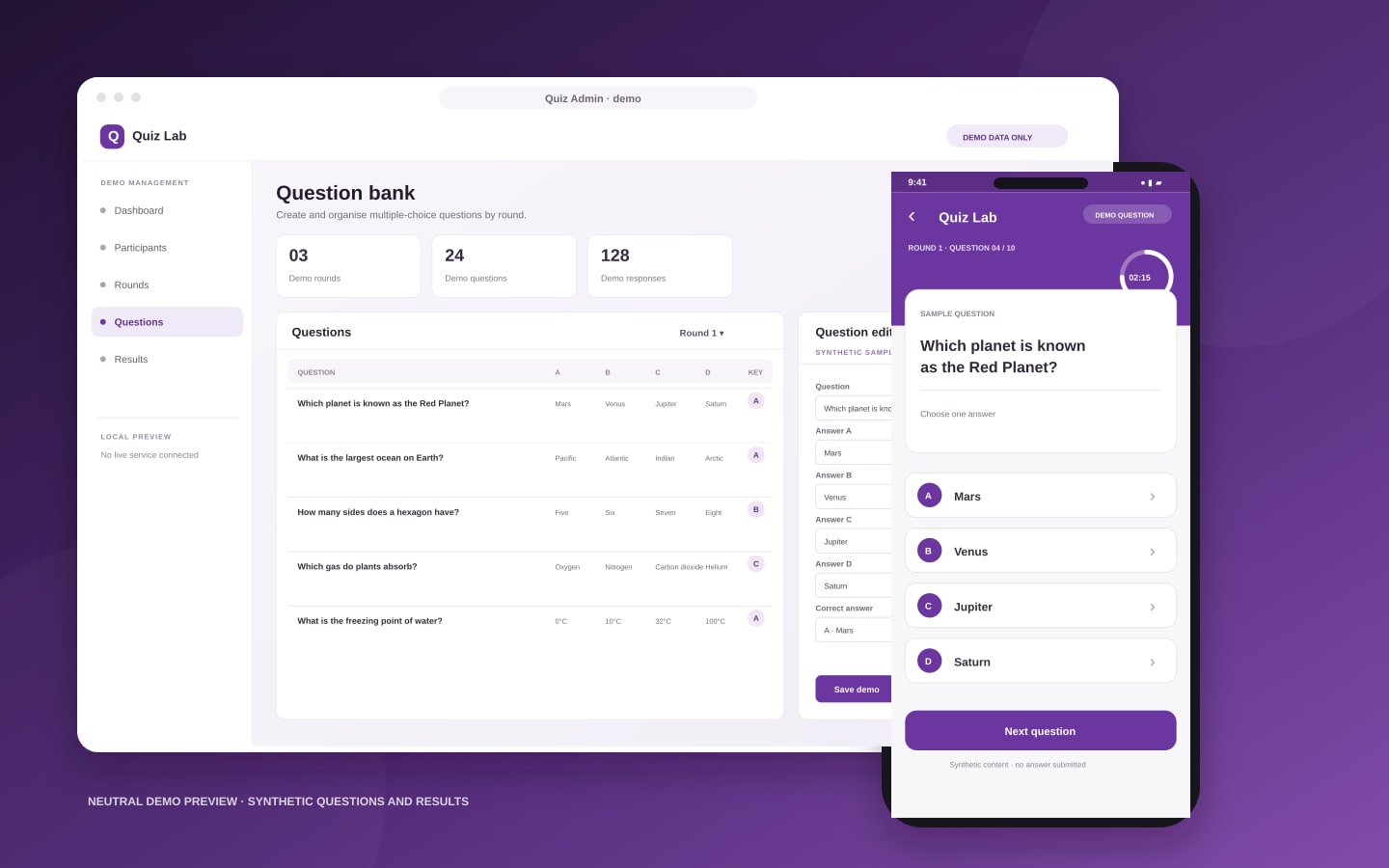
  • Screenshot of Quiz Olympiad
    EdTechDelivered

    Quiz Olympiad

    Anonymised education programme

    A phone-first quiz experience with scheduled, timed multiple-choice rounds, score tracking and a browser console for managing questions and round settings.

    Read the case study: Quiz Olympiad →

Next step

Let’s solve it together.

Describe the problem in a few lines. We agree a short call before we propose anything.

  1. 01You describe the problem in a few lines.
  2. 02We reply with questions within one business day.
  3. 03We agree a short call before any proposal.
Head office
Suite B1, 60, Road 9/A, Dhanmondi, Dhaka 1209