

01Find an offer
From the campaign banner to the offer's terms.
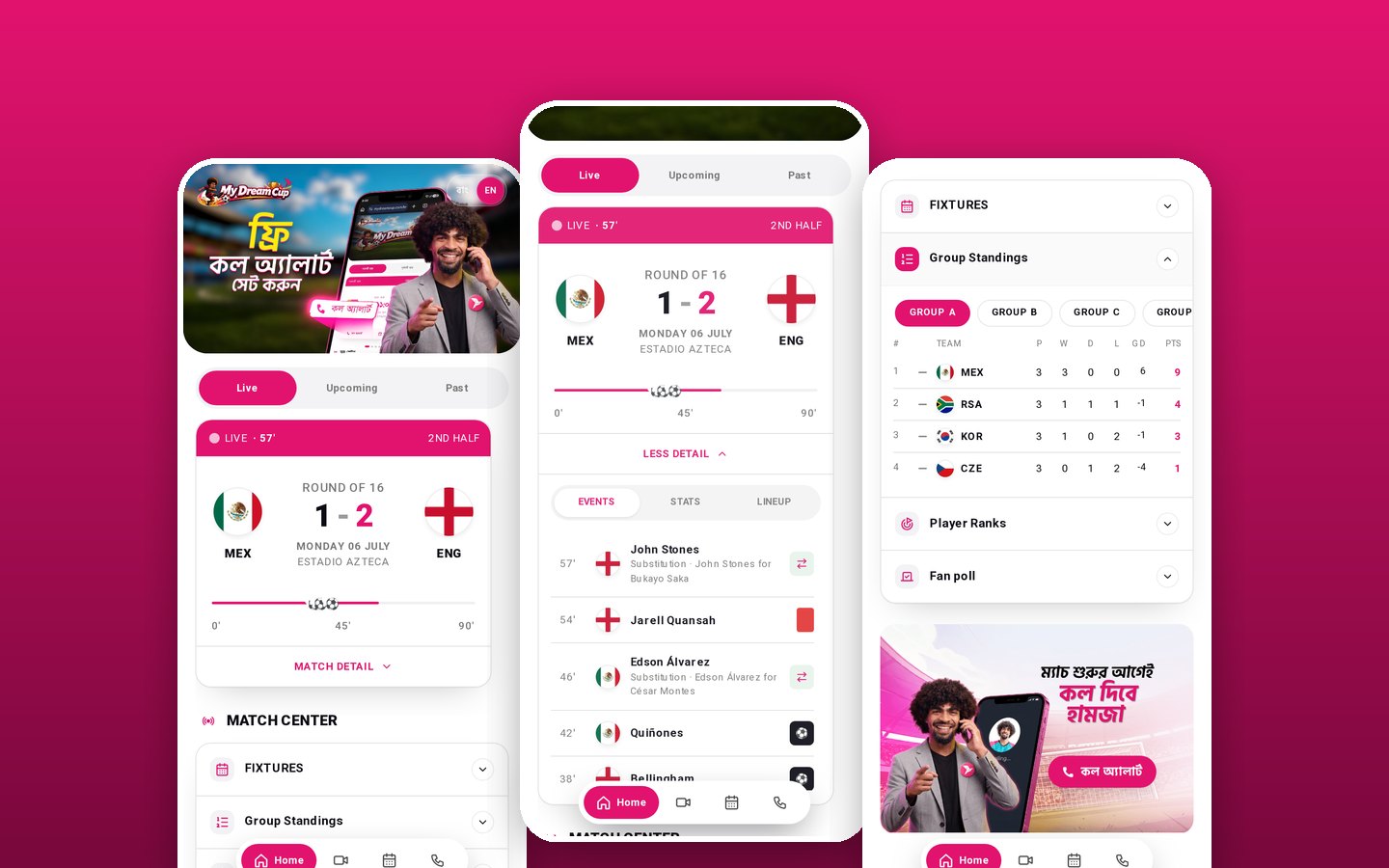
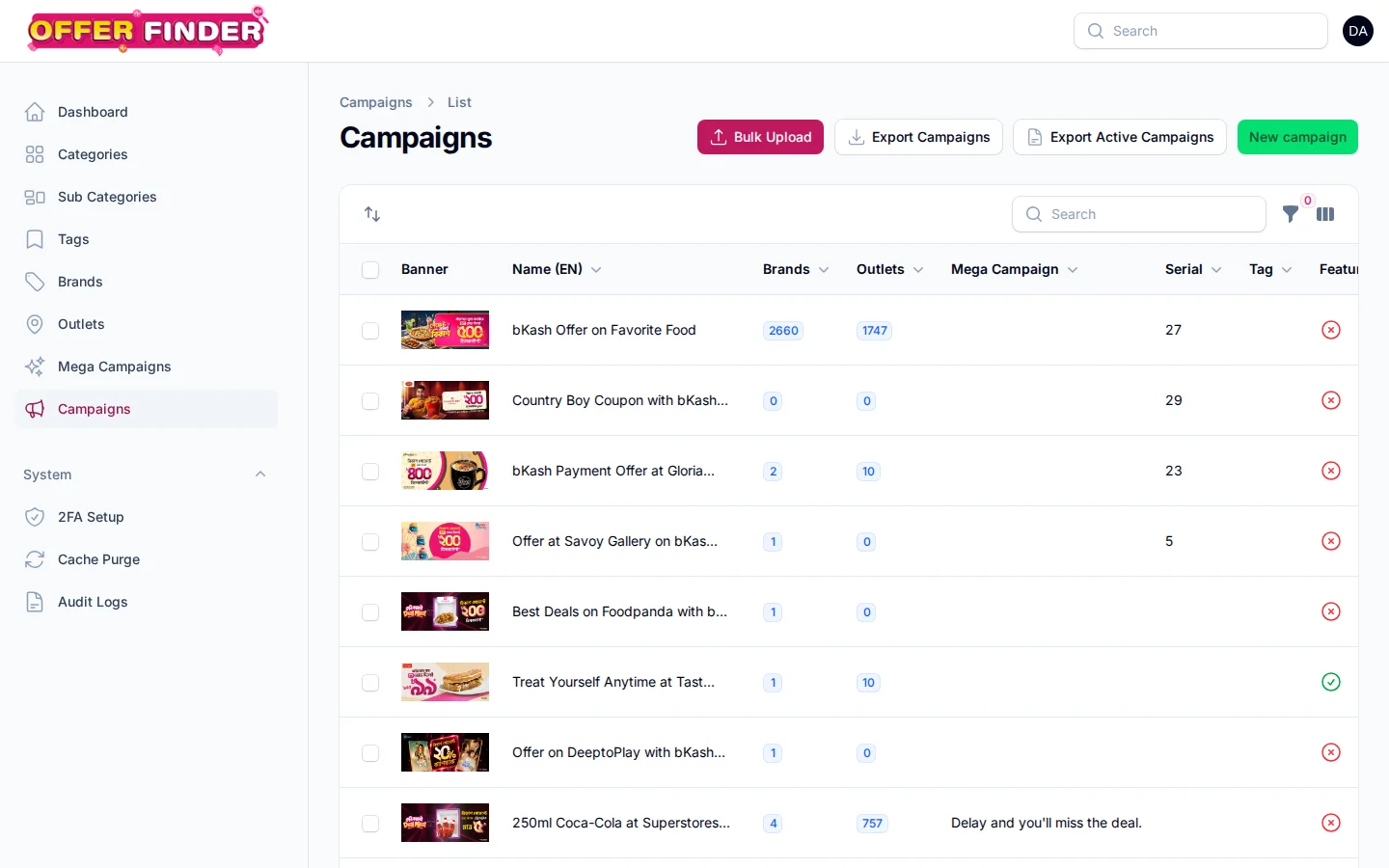
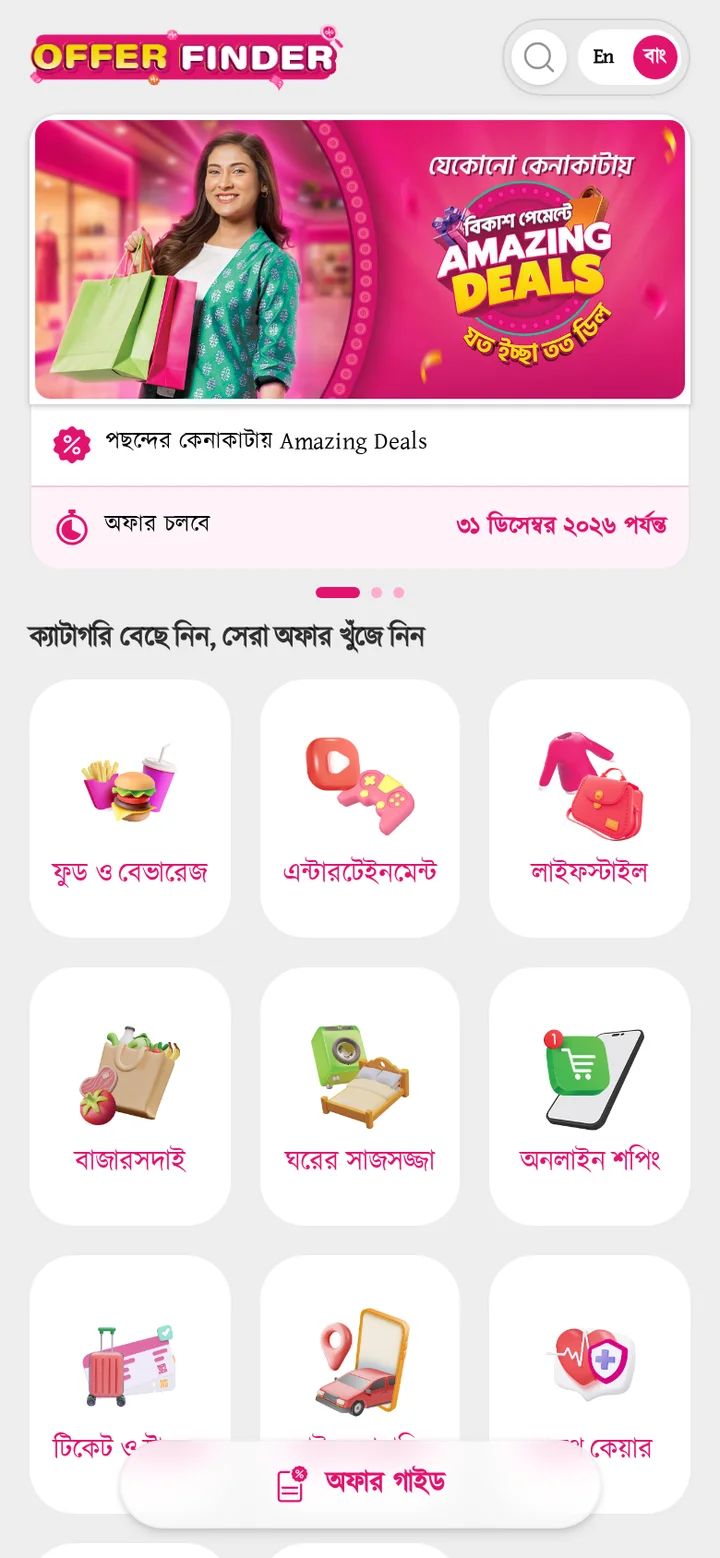
Customers land on the campaign banner and pick a category. Each offer shows its title, banner, end date or countdown, its terms and the merchants that take part.
- Rotating campaign banners with the offer period
- Category tiles on the home screen, then the offers in that category
- Offer code, validity period and a countdown where the offer ends soon
- Terms and conditions and common questions one tap away